 Tim Ross
The lazy version of this comparison says encrypted contacts cannot reach your phone's address book. For Tuta that is simply false: Tuta Contacts is end-to-end encrypted and does put entries in your device contact list. So the difference between Tuta and SilentSuite is not whether your contacts arrive on your device. It is how they get there, and what that means the day you want them somewhere else.
Both keep the server out: Tuta and SilentSuite each encrypt the whole address book on the client. The difference is delivery. Tuta's integration is app-mediated, so the Tuta app copies entries into your device contact store, and the places your contacts can appear are the places Tuta has built. SilentSuite speaks CardDAV, through an Android sync adapter and a local bridge on desktop, so any supported client can read the same address book.
Do Tuta contacts sync to your phone's address book?
Yes. This is worth stating plainly, because the lazy version of this comparison says encrypted providers cannot integrate with the system address book, and for Tuta that is false.
Tuta shipped device contact integration in February 2024: creating a contact in Tuta puts it in the device contact list, edits propagate, deleting in Tuta deletes on the device, and caller ID works, so an incoming call from a saved contact shows the contact rather than an unknown number. A follow-up post in March 2024 describes bidirectional sync on Android, enabled under Settings then Contacts (it is not on by default), with existing device contacts imported into Tuta and encrypted there. On iOS, Tuta contacts are copied to the local address book rather than synced both ways.
Tuta solved the caller ID problem, which is the single most-felt consequence of an address book that does not reach the OS. Credit where it is due. Those posts date from 2024 and the product has moved since, so treat the iOS detail as the state at publication rather than a promise about today.
What is the actual difference, then?
The mechanism. Tuta's integration is app-mediated: the Tuta app holds the encrypted address book and copies entries into the device contact store. The feature request behind it covers import, bidirectional Android sync, one-way iOS sync, and vCard import, and mentions no standard protocol anywhere. The discussion notes that iOS restrictions prevent Tuta from becoming a full account provider.
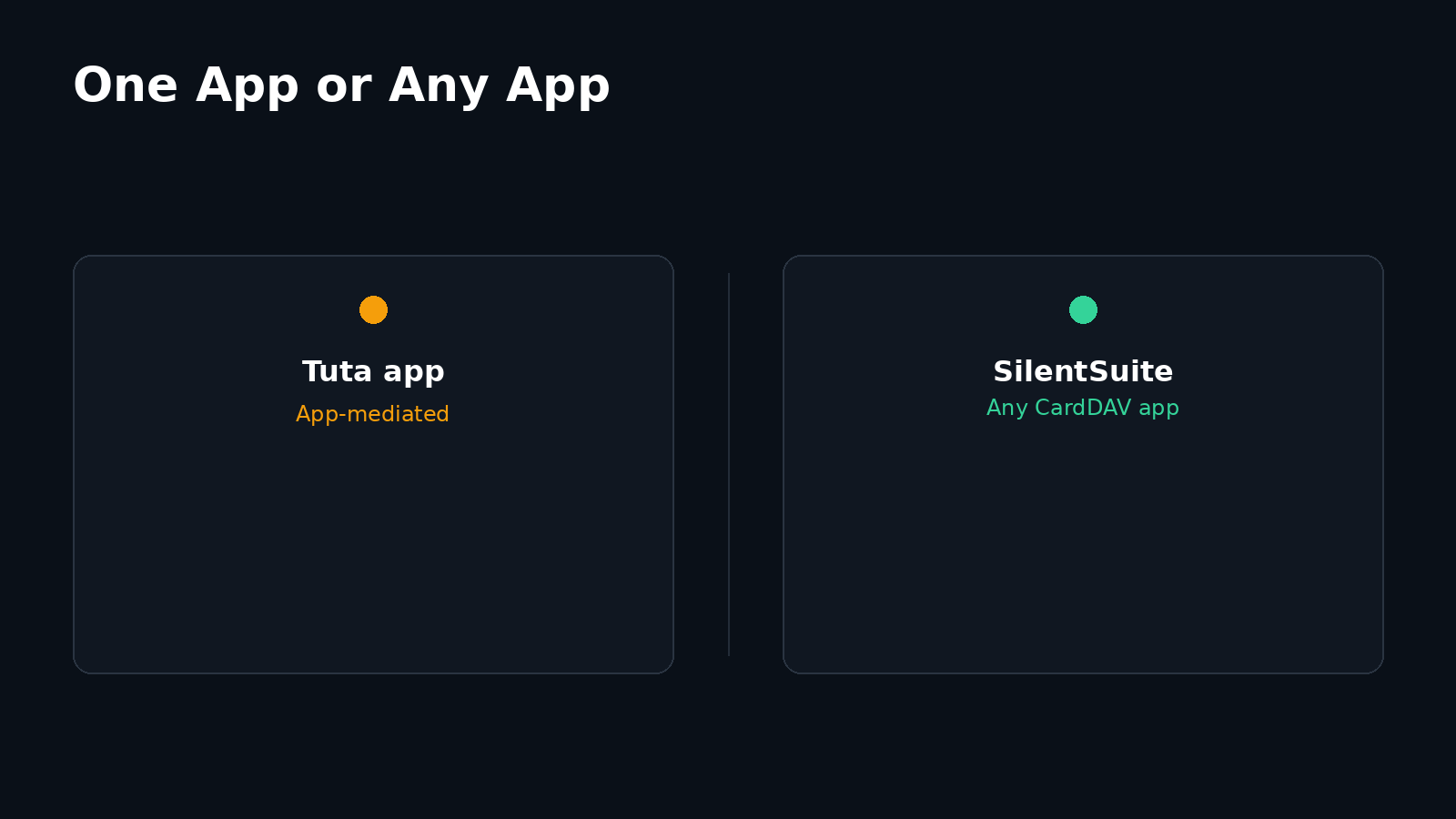
SilentSuite speaks CardDAV. On Android it registers a sync adapter, the same account mechanism Google and Exchange use, and writes into the system Contacts Provider. On desktop, a local bridge decrypts on your machine and serves CardDAV on 127.0.0.1, so Apple Contacts on macOS, Thunderbird, or any other supported CardDAV client reads the same address book. How the CalDAV bridge works applies to contacts as well as calendars.
The practical test is portability. With a protocol, the client is replaceable: if you dislike one contacts app, point another at the same endpoint. With app-mediated sync, the vendor's app is the only thing that can produce the copy, so the set of places your address book can appear is the set the vendor has built.
Tuta Contacts vs SilentSuite Contacts
| Feature | Tuta Contacts | SilentSuite Contacts |
|---|---|---|
| E2EE | Yes | Yes |
| CardDAV | No (app-mediated) | Via bridge |
| Native integration | Android bidirectional sync + caller ID; iOS copy | Native Android sync adapter |
| Open source | Clients open source | Yes, AGPL-3.0 |
| Price | Free tier; Revolutionary about €3/mo | From €3/mo (annual) |
| Status | Active | Active |
The Tuta €3/mo figure comes from Tuta's own pricing announcement published 2023-06-06 for the Revolutionary plan; I could not re-verify a live figure on tuta.com as of 2026-08-15, so treat it as approximate. SilentSuite is €3/mo on the Early Adopter tier billed annually. Neither product undercuts the other.
Can you get your contacts back out?
Tuta documents vCard import well, including sharing multiple .vcf files into the app and two-click import from an email attachment. Export is not described in the sources I checked, so I am not going to claim Tuta cannot export. Check the current app before assuming either way.
SilentSuite exports standard .vcf files from the web client, and the CardDAV bridge means any DAV client can pull a copy independently. The server is open source under AGPL-3.0, so the protocol side is inspectable rather than taken on trust. What the SilentSuite server can and cannot see is set out in what SilentSuite actually encrypts.
Which one keeps your address book more private?
On the server boundary, neither has an edge worth claiming. Tuta encrypts the whole address book, stating that “only you can decrypt this data.” SilentSuite encrypts the whole vCard through the Etebase protocol, with the server seeing item existence, counts, and revision timestamps. Both keep the provider out.
On the device boundary they differ, and not in SilentSuite's favour by default. Writing into Android's Contacts Provider means any app you grant contacts permission to can read those entries. Tuta's app-mediated model gives you the option of not copying contacts to the device at all. If your threat model includes other apps on your own phone, that is a real advantage, and it is the same trade-off I set out in walled gardens vs system integration.
FAQ
Do Tuta contacts show up in caller ID?
Yes. Tuta shipped device contact integration in February 2024, so a contact created in Tuta reaches the device contact list and an incoming call from a saved contact shows the contact rather than an unknown number. Bidirectional Android sync is enabled under Settings then Contacts and is not on by default.
Does Tuta support CardDAV?
No. Its device integration is app-mediated: the Tuta app holds the encrypted address book and copies entries into the device contact store. The feature request behind it covers import, bidirectional Android sync, one-way iOS sync, and vCard import, and mentions no standard protocol.
Which desktop apps can read SilentSuite contacts?
Any tested CardDAV client that can reach the local bridge. It decrypts on your machine and serves CardDAV on 127.0.0.1, so Apple Contacts on macOS, Thunderbird, and other supported clients read the same address book the Android app syncs.
Can I export my contacts from SilentSuite?
Yes. Standard .vcf export works from the web client, and any DAV client can pull an independent copy through the CardDAV bridge. The server is open source under AGPL-3.0.
Which is more private, Tuta Contacts or SilentSuite Contacts?
On the server boundary, neither has an edge worth claiming, because both encrypt the whole address book on the client. On the device boundary, Tuta's app-mediated model can avoid copying contacts to the phone at all, while entries SilentSuite writes into Android's Contacts Provider are readable by any app you grant contacts permission.
Two encrypted address books, two routes onto your phone. If you want yours delivered by a standard protocol that any client can read, get started with SilentSuite. The whole field, field by field, is in encrypted contacts in 2026.
Interested in private sync?
SilentSuite is available now as a public beta. Sign up and start syncing your calendar, contacts, and tasks with end-to-end encryption.
Get started for free