
 Tim Ross
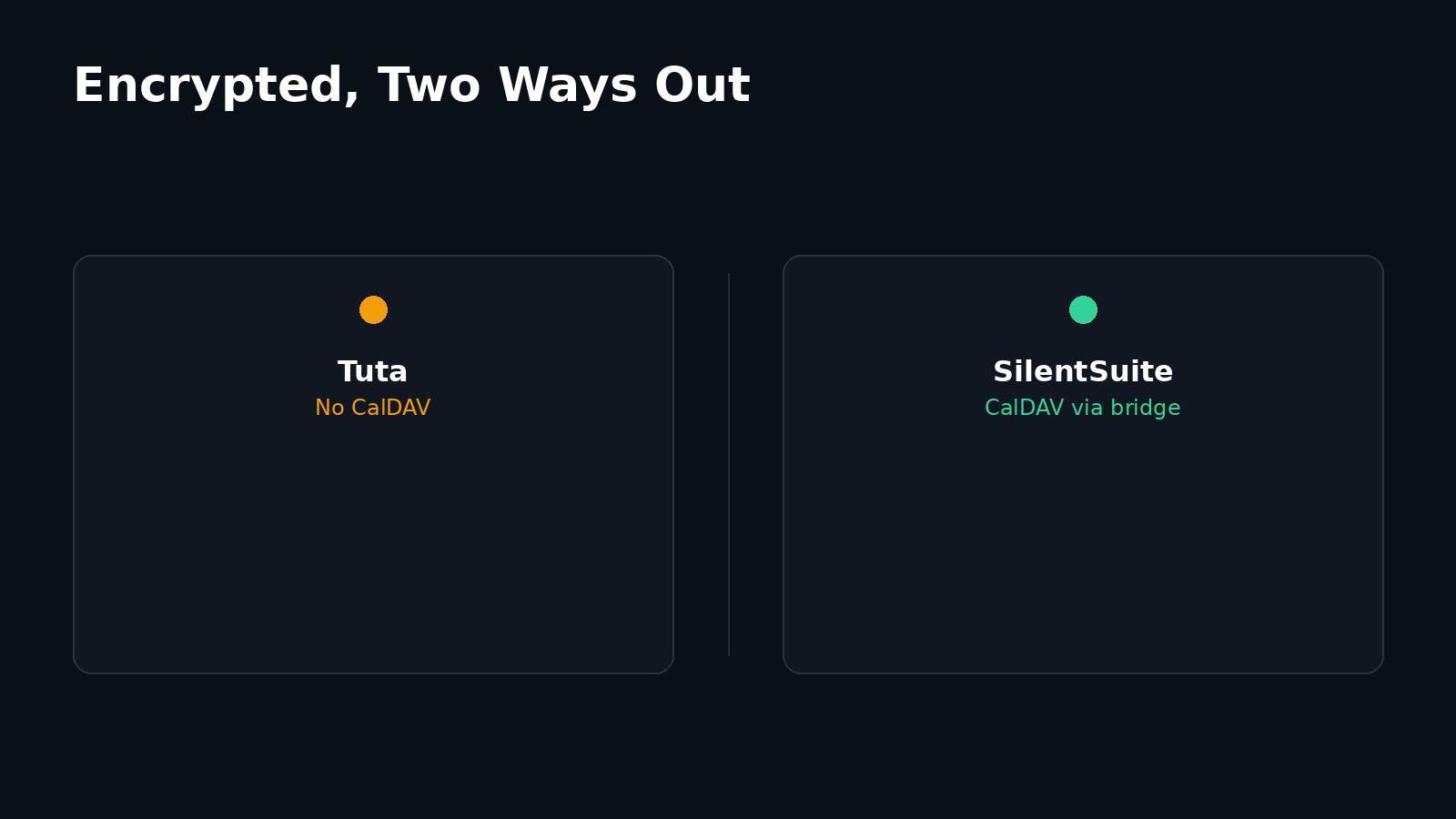
Tuta Calendar is end-to-end encrypted and costs about the same as SilentSuite, so neither price nor cryptography decides this one. Interoperability does. Tuta does not speak CalDAV and says so in its own words, while SilentSuite makes the opposite choice and moves the protocol onto your own machine.
This comparison is not about which product encrypts better. Both encrypt event content on the client. It is about what happens when you want your calendar somewhere the vendor did not build.
Tuta reaffirmed on 2026-02-18 that Tuta Mail and Tuta Calendar cannot be integrated into Thunderbird via IMAP or CalDAV, so your events stay inside Tuta's own apps. SilentSuite keeps the same encrypted-server posture and runs a local bridge that serves CalDAV and CardDAV on 127.0.0.1, so Thunderbird, Apple Calendar, and Evolution can read the same encrypted account. The trade is interoperability against app-contained isolation, and neither answer is wrong for everyone.
Is Tuta Calendar end-to-end encrypted?
Yes. Tuta's calendar page describes end-to-end encrypted events and states that reminders are kept hidden from the phone's operating system, so that “neither Google nor Apple can access event details.” Tuta also states that its encryption covers metadata.
I report that as Tuta's claim rather than as a verified fact, because I could not find a Tuta security specification setting out field by field which calendar metadata the server can see. That is not an accusation. It is the difference between a product page and a published threat model, and it cuts both ways: I would not want anyone asserting what SilentSuite leaks without reading what SilentSuite actually encrypts either.
Does Tuta Calendar support CalDAV?
No, and this is first-party and current. From Tuta's own blog post published on 2026-02-18: “Due to built-in end-to-end encryption, Tuta Mail and Tuta Calendar cannot be integrated into Thunderbird via IMAP or CalDAV.” The post announcing Tuta's Thunderbird add-ons is the clearest answer available to the question “did Tuta add CalDAV recently?”
What the add-ons actually do is instructive. They install buttons in Thunderbird's Spaces Toolbar that open the Tuta web app in a tab. Tuta describes it as “secure web app access within the Thunderbird desktop app.” Faced with users asking for desktop integration, Tuta shipped an embedded web view rather than a protocol.
That is the walled-garden argument stated by the vendor, with a date on it. Your Tuta calendar works beautifully in Tuta's apps for Android, iOS, Windows, macOS, Linux, and the web. It does not appear in Thunderbird's calendar view, in GNOME Calendar, or in your phone's system calendar, because there is no protocol for it to arrive through.
What does SilentSuite do differently?
SilentSuite keeps the same encrypted-server posture and moves the protocol boundary onto your machine. The server holds Etebase ciphertext. A local bridge decrypts on your computer and serves CalDAV and CardDAV on 127.0.0.1, so tested desktop clients such as Thunderbird, Evolution, and Apple Calendar on macOS read your events without the server ever holding plaintext. How the CalDAV bridge works sets out what runs and where.
On Android, SilentSuite syncs into the system calendar and contacts providers, so the calendar app you already use displays your events. That is a deliberate trade in the other direction: any app you grant calendar permission to can then read those events locally. Tuta's app-contained model keeps other local apps out. Neither approach is strictly safer, and I set out both cases in walled gardens vs system integration.
Tuta Calendar vs SilentSuite
| Feature | Tuta Calendar | SilentSuite |
|---|---|---|
| E2EE | Yes | Yes |
| CalDAV | No (reaffirmed Feb 2026) | Via bridge |
| Native integration | Tuta apps only; no system calendar account | Native Android app + local bridge on desktop |
| Open source | Clients open source | Yes, AGPL-3.0 |
| Price | Free tier (1 calendar); Revolutionary about €3/mo | From €3/mo (annual) |
| Status | Active | Active |
Plan limits from tuta.com/pricing: Free gives 1 GB and one calendar; Revolutionary gives 20 GB and unlimited calendars. The €3/mo figure comes from Tuta's own pricing announcement published 2023-06-06; I could not re-verify a live figure on tuta.com as of 2026-08-15, so treat it as approximate. SilentSuite is €3/mo on the Early Adopter tier billed annually. On price these two are a tie, and I am not going to pretend otherwise.
Which one should you pick?
If your mail already lives at Tuta and you are content using Tuta's apps everywhere, Tuta Calendar is a sound choice, and the one-calendar free tier makes it cheap to test. Tuta also ships iOS today, which SilentSuite does not: iOS is on the SilentSuite roadmap and is not currently supported.
If you want an encrypted calendar that shows up in the calendar app you already use, on your own desktop, without giving a server the ability to read it, that is the gap SilentSuite is built for. The rest of the encrypted field is compared in encrypted calendar sync in 2026, and the trust boundaries are set out in SilentSuite's threat model.
FAQ
Does Tuta Calendar work with CalDAV clients?
No. Tuta's own blog post published 2026-02-18 states that, due to built-in end-to-end encryption, Tuta Mail and Tuta Calendar cannot be integrated into Thunderbird via IMAP or CalDAV. The Thunderbird add-ons Tuta ships open the Tuta web app in a tab rather than adding a protocol.
Can I see my Tuta calendar in my phone's calendar app?
No. There is no protocol or account type for the events to arrive through, so they stay in Tuta's apps for Android, iOS, Windows, macOS, Linux, and the web. SilentSuite syncs into Android's system calendar provider instead, so the calendar app you already use displays your events.
Is Tuta or SilentSuite cheaper?
Neither, on the figures I could verify. Tuta's Revolutionary plan was announced at about €3/mo in its 2023-06-06 pricing post, which I could not re-verify on tuta.com as of 2026-08-15. SilentSuite is from €3/mo on the Early Adopter tier billed annually. On price these two are a tie.
Does Tuta Calendar work on iPhone?
Yes. Tuta ships iOS today, which SilentSuite does not: iOS is on the SilentSuite roadmap and is not currently supported. If you need an encrypted calendar on an iPhone right now, that is a genuine point for Tuta.
Which one keeps other apps on my phone out?
Tuta's app-contained model, by default. SilentSuite writes into Android's system providers, so any app you grant calendar permission to can read those events locally. That is convenience bought with local exposure, and it is a deliberate trade rather than an oversight.
Two encrypted calendars, near-identical prices, opposite answers on interoperability. If the answer you want is “encrypted and standards-compatible,” get started with SilentSuite.
Interested in private sync?
SilentSuite is available now as a public beta. Sign up and start syncing your calendar, contacts, and tasks with end-to-end encryption.
Get started for free