 Tim Ross
Nextcloud is open source under the same AGPL-3.0 licence as the SilentSuite server, speaks CalDAV and CardDAV natively, and can run entirely on hardware you own. On most privacy checklists that is a clean sweep. The difference between it and SilentSuite comes down to one question the licence does not answer: who can read your calendar if the server is compromised.
This is the fairest comparison in the series, and the one where SilentSuite has the least to be smug about. Nextcloud speaks CalDAV and CardDAV natively, works with every standards-based client, and is run by a company that publishes its own limitations in its admin manual.
The licence is the same and the protocol support is better, but the encryption boundary is not. Nextcloud calendars are not end-to-end encrypted, and Nextcloud's admin manual says server-side encryption does not protect data from a compromised server or malicious administrator, and that it does not cover application data that is not file-based, which is exactly where calendars and contacts live. On hardware you own that may be fine, because the operator is you. SilentSuite encrypts event content on your device instead, so a compromised server or a subpoena yields ciphertext.
Is Nextcloud calendar data end-to-end encrypted?
No, and Nextcloud says so. Server-side encryption is documented in the admin manual, which states that it “does not protect data from a compromised Nextcloud server or malicious administrator” and is “mainly for protecting files on external, third-party storage.”
The same page lists what server-side encryption leaves untouched: filenames and folder structures, existing trash bin files, historical file versions, thumbnails and previews, the full text search index, and “application data that isn't file-based.” Calendars and contacts are application data. They live in database tables, not in files, so server-side encryption does not cover them at all.
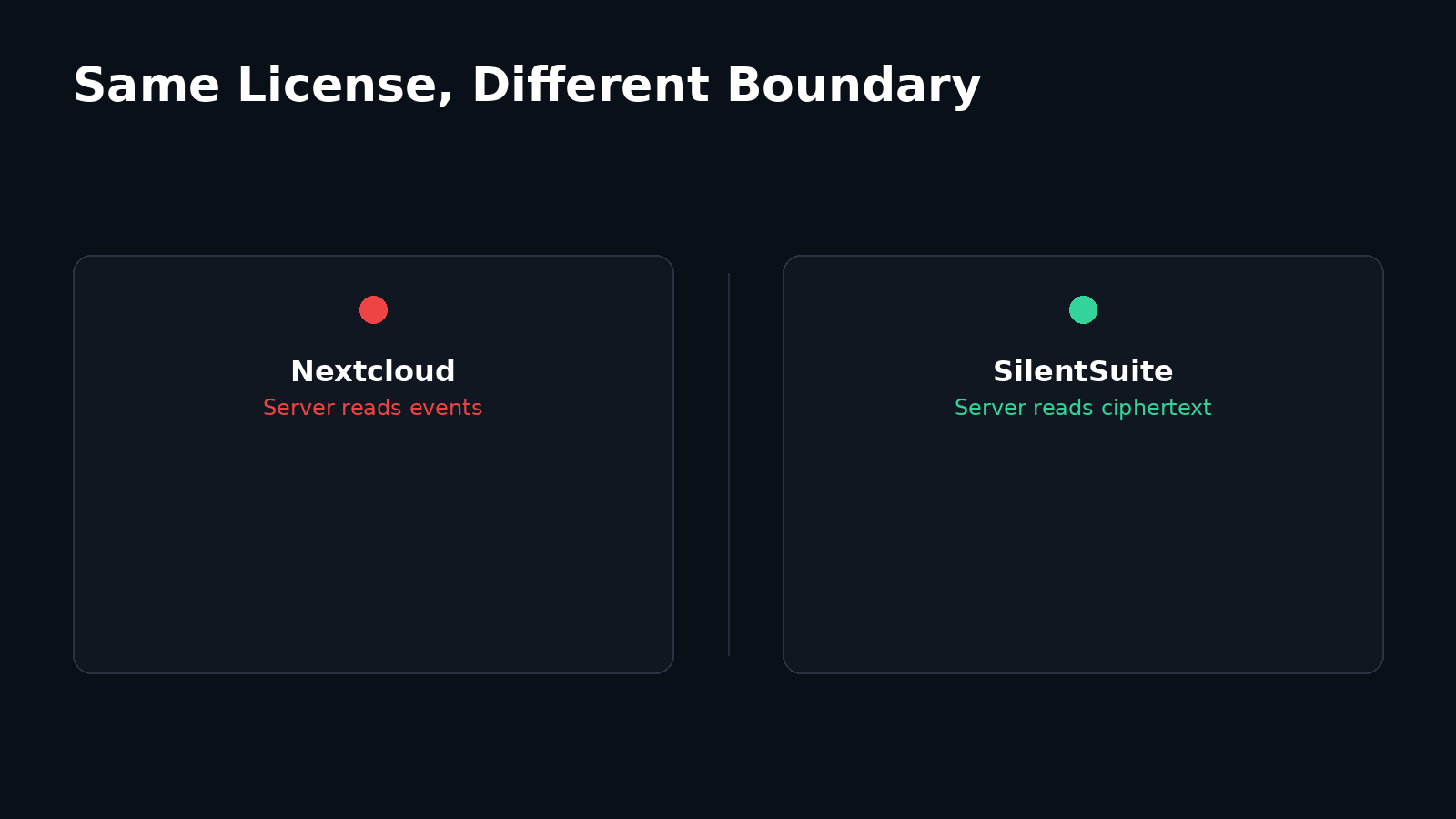
Nextcloud is also explicit that encryption keys sit in server memory while a user is logged in, and that administrators can configure a system-wide recovery key. Nextcloud's end-to-end encryption app is folder-scoped file encryption, categorised under Files, and does not claim to cover calendars or contacts. End-to-end encryption for calendar and contacts has been an open community request for years rather than a shipped feature.
Does that make self-hosted Nextcloud a privacy failure?
No, and this distinction matters more than the encryption row in any table. “The operator can read your calendar” means something completely different depending on who the operator is.
If you run Nextcloud on hardware you own, in a house you live in, then the person who can read your events is you. That is not a leak. It is the setup working as intended, and it is a defensible privacy posture that plenty of people are right to prefer. Nothing in this post argues against it.
If you use a managed Nextcloud from a hosting provider, the answer changes. Your calendar sits in readable form in a database that someone else administers, backs up, and can be compelled to produce. The software is the same; the trust boundary is not. I worked through that trade-off, including the hybrid case of a self-hosted end-to-end encrypted server, in self-hosting vs hosted.
What does Nextcloud do better than SilentSuite?
Protocol support, plainly. Nextcloud ships first-class CalDAV and CardDAV, so any standards-based client connects directly with no extra component: Android through DAVx⁵, iOS through its built-in CalDAV and CardDAV account types, and desktop through Thunderbird, Evolution, or Apple Calendar. Import and export of ICS files follows from the same standards support.
SilentSuite reaches desktop clients through a local bridge instead, because the server holds ciphertext and cannot answer a DAV request itself. That is an extra moving part on your machine. How the CalDAV bridge works explains what it runs and where it decrypts. Nextcloud also does far more than calendaring: files, notes, deck, talk, an app ecosystem. SilentSuite does calendars, contacts, and tasks.
Nextcloud Calendar vs SilentSuite
| Feature | Nextcloud Calendar | SilentSuite |
|---|---|---|
| E2EE | No (SSE covers files only, not app data) | Yes |
| CalDAV | Yes* (first-class) | Via bridge |
| Native integration | Android via DAVx5; iOS via built-in CalDAV account | Native Android app + local bridge on desktop |
| Open source | Yes, AGPL-3.0 | Yes, AGPL-3.0 |
| Price | Self-hosted free (you pay for infrastructure) | From €3/mo (annual); self-hosted free |
| Status | Active | Active |
* Nextcloud CalDAV is first-class and needs no bridge, which is a genuine advantage over SilentSuite. It is also the reason the server holds readable event data: a CalDAV server has to parse what it serves.
Nextcloud Server is AGPL-3.0 and free to run; you pay for the infrastructure. Managed Nextcloud hosting exists from several providers at prices I did not verify on 2026-08-15, so I quote none. SilentSuite is €3/mo on the Early Adopter tier billed annually, or free to self-host under AGPL-3.0.
What does SilentSuite change?
One axis, and only one. SilentSuite encrypts item content and collection metadata on your device through the Etebase protocol, so the server stores ciphertext. It sees that items exist, roughly how many, and when they were revised. A compromised SilentSuite server, or a subpoena served on one, yields encrypted bytes rather than appointments. The same is true of a self-hosted SilentSuite server, which is why self-hosting and end-to-end encryption stack rather than compete.
Everything else stays the same trade-off you already know: no server-side search across your whole account, no server-generated scheduling suggestions, and standards support that runs on your machine instead of in the cloud. The limits are set out in SilentSuite's threat model, and the field-level detail in what SilentSuite actually encrypts.
FAQ
Does Nextcloud server-side encryption protect my calendar?
No. Nextcloud documents server-side encryption as mainly for protecting files on external, third-party storage, and states that it does not protect data from a compromised Nextcloud server or malicious administrator. Calendars and contacts are application data in database tables rather than files, so it does not cover them at all.
Is the Nextcloud end-to-end encryption app enough for contacts?
No. That app is folder-scoped file encryption, categorised under Files. It does not claim to cover calendars or contacts, and end-to-end encryption for those has been an open community request for years rather than a shipped feature.
Should I keep my self-hosted Nextcloud?
If it runs on hardware you own and you are content being your own operator, yes. The person who can read your events is you. The answer changes with managed Nextcloud hosting, where readable calendar data sits in a database that someone else administers, backs up, and can be compelled to produce.
Can I self-host SilentSuite instead?
Yes. The SilentSuite server is open source under AGPL-3.0 and runs on an ordinary Linux VPS or homelab, and its clients still encrypt before upload. Self-hosting and end-to-end encryption stack rather than compete.
Does SilentSuite speak CalDAV the way Nextcloud does?
Not from the server, which holds ciphertext and cannot parse a DAV request. A local bridge on your own machine decrypts and serves CalDAV and CardDAV on 127.0.0.1 for tested desktop clients, and the Android app syncs into the system providers directly.
If you already run Nextcloud on your own hardware and are happy being your own operator, keep it. If your Nextcloud is somebody else's, or you would rather the server never held readable events at all, get started with SilentSuite. The wider field is compared in encrypted calendar sync in 2026.
Interested in private sync?
SilentSuite is available now as a public beta. Sign up and start syncing your calendar, contacts, and tasks with end-to-end encryption.
Get started for free