 Tim Ross
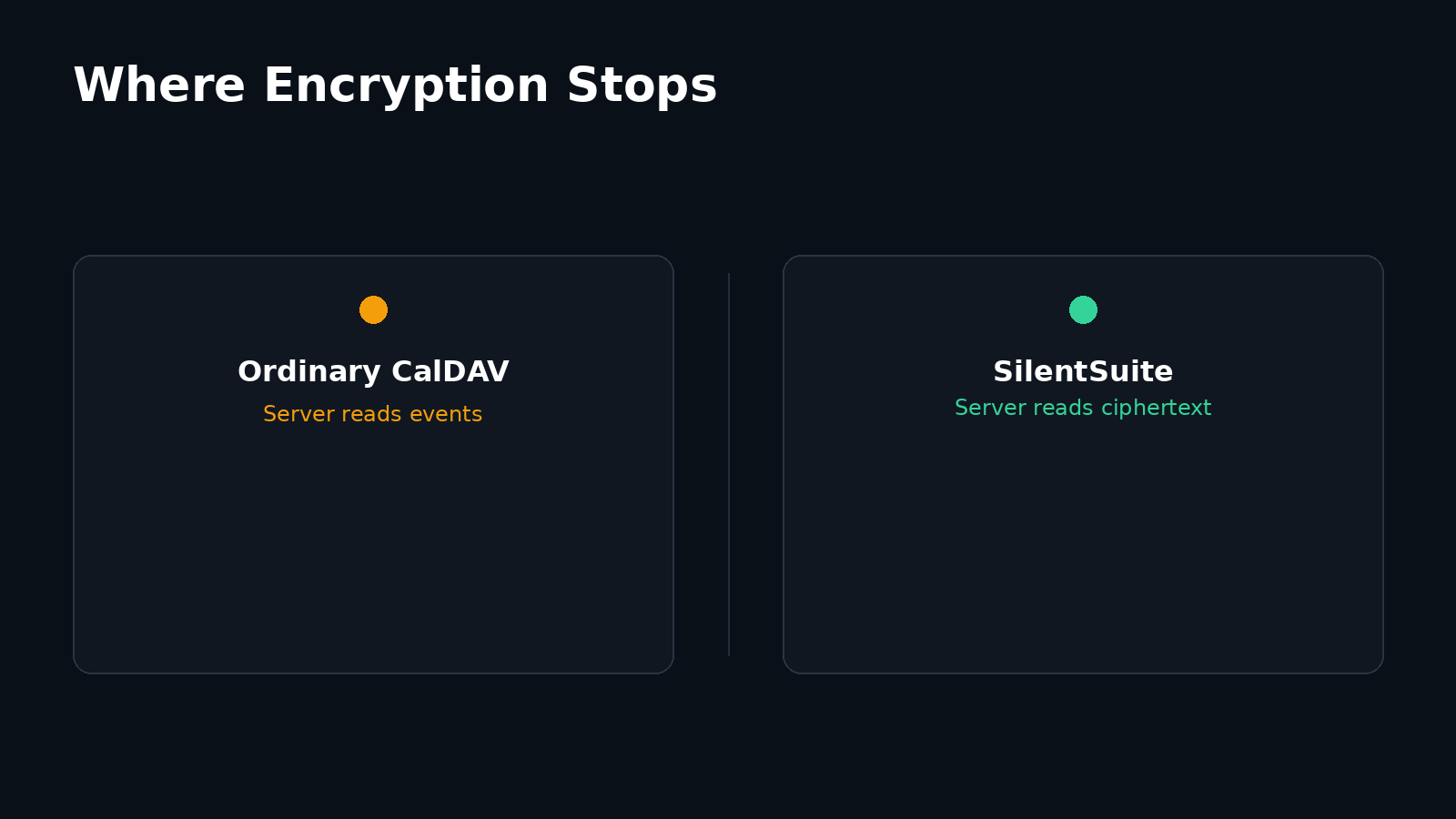
Add a CalDAV account to an Android phone and every event you create travels over HTTPS to a server that can read it. The protocol was designed that way: the client uploads an iCalendar file, the server stores something it can parse. SilentSuite takes a different route on Android. It is a sync adapter for the operating system's calendar provider rather than an app-contained calendar interface, built on the Etebase protocol, so it decrypts calendar data on your phone for the calendar apps you choose while the SilentSuite server receives ciphertext rather than a plaintext feed.
That design separates two privacy questions that are often mixed together. Can the remote calendar server read your events? After an event is on your phone, which local apps can read it? Ordinary CalDAV, DAVx5, and SilentSuite answer those questions differently.
Two separate questions get mixed together here. On the server side, an ordinary CalDAV server receives readable iCalendar data that it can process, and HTTPS or DAVx5 does not change that. On the phone, Android has no general CalDAV account client, so a sync adapter writes events into the system Calendar Provider where any app you permit can read them. SilentSuite's Android app fills that adapter role but speaks the encrypted Etebase protocol upstream, so the server holds ciphertext and the phone holds the only decrypted copy.
What is CalDAV on Android?
CalDAV, defined by RFC 4791, is a client-server protocol for accessing, managing, and sharing calendar data over WebDAV. Calendar objects use the iCalendar format, whose current core specification is RFC 5545. A CalDAV server organizes events, to-dos, and other calendar objects in calendar collections. A CalDAV client discovers those collections and exchanges readable iCalendar resources with the server.
Android includes a system Calendar Provider that stores calendars, events, attendees, and reminders for use by calendar apps and sync adapters. Android does not include a general CalDAV account client, so a separate sync adapter commonly connects a CalDAV service to that provider. The calendar interface you open and the component that synchronizes its data can therefore be different apps.
Where does DAVx5 fit into CalDAV sync?
DAVx5 is a CalDAV and CardDAV management and sync app for Android. It connects to a compatible server, maps remote calendar collections into Android accounts, and synchronizes events with the system Calendar Provider. According to the DAVx5 system-integration documentation, events are stored in Android's content provider rather than inside DAVx5 itself. Calendar apps then use the provider through Android APIs.
DAVx5 is useful, but adding it does not make an ordinary CalDAV server end-to-end encrypted. HTTPS protects traffic while it moves between the phone and the server. The CalDAV server still has to process the readable calendar objects that it stores and returns. A server operator, a server compromise, or a party with access to its database may therefore be able to read event titles, times, locations, attendees, and notes. Whether a particular service adds encryption at rest is a separate question from end-to-end encryption because the service may also control the keys.
Is ordinary CalDAV end-to-end encrypted?
No. CalDAV standardizes calendar access and interoperability, not end-to-end encryption. A conventional setup has three useful layers to consider:
- In transit: HTTPS can protect CalDAV requests from network observers between the device and server.
- On the server: the server ordinarily receives and serves readable iCalendar content. Server-side disk encryption does not prevent the running service from reading it.
- On the device: a sync adapter writes events into the Android Calendar Provider so permitted calendar apps can use them.
CalDAV can still be a reasonable choice when you trust the server or run it yourself. The important point is to describe its boundary accurately: transport encryption protects the connection, while end-to-end encryption keeps content unreadable to the sync server.
How does SilentSuite calendar sync work on Android?
SilentSuite's Android app fills the sync-adapter role, but its remote side speaks Etebase rather than CalDAV. Etebase encrypts collection and item content on clients before upload. The server stores encrypted items and the structural data needed to synchronize them, but it does not hold the keys required to read event content.
During a calendar sync, the current SilentSuite Android implementation retrieves Etebase calendar collections, decrypts item content locally, parses each event as iCalendar data, and creates or updates the matching entry in Android's Calendar Provider through CalendarContract. Changes made by a calendar app are read from the provider, converted back into calendar items, encrypted through the Etebase client, and synchronized to the server. This is system integration, not a separate SilentSuite calendar UI.
Android does not need the standalone desktop CalDAV bridge for this path. The native sync adapter talks to the encrypted service directly. For the desktop architecture, loopback endpoint, and local cache details, see how the SilentSuite CalDAV bridge works.
E2EE protects the remote boundary. Android permissions and your app choices govern the on-device boundary.
Who can read a SilentSuite calendar on the phone?
End-to-end encryption stops the remote SilentSuite server from reading event content. It does not keep an event encrypted after SilentSuite has deliberately written that event into Android's Calendar Provider. The provider must expose usable event fields to calendar apps, reminder components, widgets, and other software that Android permits to access calendar data.
This is the second privacy boundary. On current Android versions, calendar access is controlled by the operating system, app permissions, account visibility, profiles, and device policy. Exact behavior varies by Android version and device vendor. A locked and encrypted phone can protect local storage against some offline access, but device encryption does not stop an unlocked, authorized app from asking the Calendar Provider for event data.
Review which apps have calendar permission, remove access that is not needed, keep the device updated, and use a separate Android profile when you need a stronger separation from untrusted apps. If your threat model requires calendar plaintext to remain inside one dedicated app, system provider integration is the wrong mode. Read the discussion of walled gardens versus system integration before enabling it.
Which Android calendar sync setup is private enough?
The answer depends on which party you are trying not to trust:
- Ordinary CalDAV plus DAVx5: good interoperability and Android integration. Trust the CalDAV server with readable calendar content, even when HTTPS protects the connection.
- Self-hosted CalDAV plus DAVx5: the same protocol and device boundary, but you operate the server that can read the data.
- SilentSuite Android sync: event content is encrypted from the phone to the Etebase server. Trust the phone, Android Calendar Provider, and locally authorized apps with the decrypted copy.
- App-contained calendar: can reduce local sharing by keeping data out of the system provider, at the cost of integration with other calendar apps and system features.
SilentSuite's server and bridge are open source under AGPL-3.0, while the Android app is GPL-3.0. The server is self-hostable, and the hosted service is listed as “From €3/mo.” The price or hosting choice does not alter the two boundaries: the server gets encrypted Etebase items, while Android calendar apps operate on locally decrypted provider records.
Contacts follow the same two-boundary pattern on Android, with CardDAV in place of CalDAV. If you are removing Google from the address book as well as the calendar, see how to sync contacts on Android without Google.
FAQ
Does Android support CalDAV natively?
Android supplies the system Calendar Provider, but not a general CalDAV account client. A sync adapter such as DAVx5 connects a CalDAV server to that provider. Device vendors can bundle additional account types.
Does DAVx5 make CalDAV end-to-end encrypted?
No. DAVx5 can use HTTPS to protect transport, but a conventional CalDAV server still processes readable calendar objects. DAVx5 does not change that remote-server trust boundary.
Does SilentSuite expose CalDAV on its hosted server?
No. The Android app synchronizes encrypted Etebase data directly. The separate desktop bridge exposes CalDAV locally on the user's computer, not as a plaintext CalDAV service on the hosted SilentSuite server.
Can any Android app read SilentSuite calendar events?
Not automatically. An app needs the access that Android requires for the Calendar Provider, and controls vary by OS version and device policy. Once an app is authorized, it may be able to read the locally decrypted events that SilentSuite synchronized into the provider.
Is SilentSuite Android a calendar app?
It is primarily the account and sync layer for calendars, contacts, and tasks. For calendars, it writes to Android's system provider so a compatible calendar interface can display and edit events. It is not an app-contained calendar UI.
Is CalDAV encrypted?
Only in transit. HTTPS protects a CalDAV request while it travels between the phone and the server, but the CalDAV server still stores and returns readable iCalendar objects. End-to-end encryption is a separate client-side design that the CalDAV standard does not define.
Can I use my own calendar app with SilentSuite on Android?
Yes, and you do not connect it over CalDAV. The SilentSuite Android app writes decrypted events into Android's system Calendar Provider, so any calendar app that reads the system provider can display and edit them once you grant it calendar access.
Private calendar sync has two boundaries, not one. Choose who may read the remote copy, then choose which software may read the on-device copy. SilentSuite keeps calendar content encrypted at the remote-server boundary and uses Android's provider for local integration. That gives calendar apps useful system data, but it also makes Android permissions and app trust part of the security model.
Read What SilentSuite actually encrypts for the remote side, or review the broader SilentSuite threat model.
Interested in private sync?
SilentSuite is available now as a public beta. Sign up and start syncing your calendar, contacts, and tasks with end-to-end encryption.
Get started for free